
Make the Latest Update Easy to Find
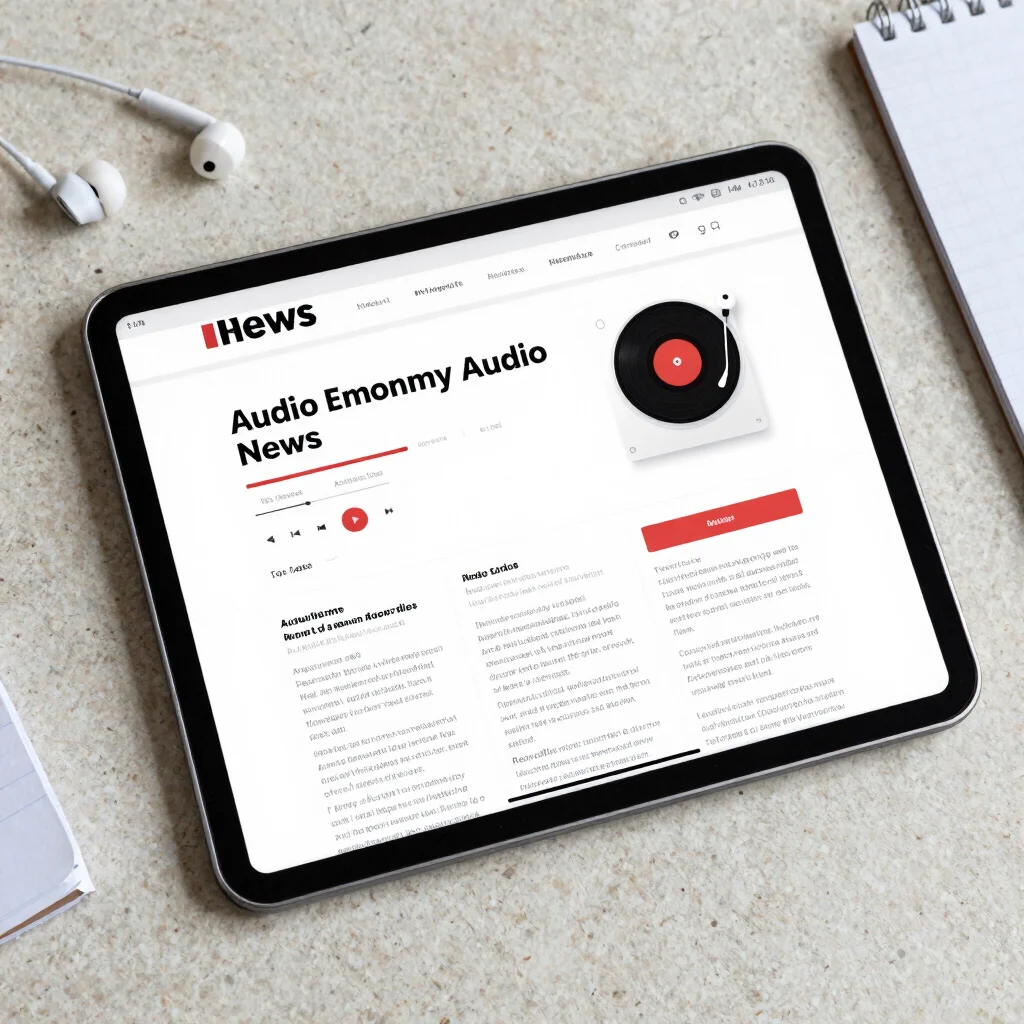
A listener opens a news page with a practical question: what is the latest update, and where do I press to hear it? If the answer is buried under competing labels or a crowded page, the experience has already lost clarity. Audio-first news should make the next useful action immediately visible.
Put time in plain view
A date or time helps a listener judge whether an update is current, especially when a story is changing. It should sit close to the report title, not in a distant corner that requires a search. Clear labels also help distinguish a new update from background or an earlier account.
Timing should be presented carefully: a timestamp tells the audience when an item was published or updated, not whether every detail is final. Pairing that information with a concise description gives listeners a better basis for choosing what to hear first.
Make listening unmistakable
The audio action should look and sound like an invitation to listen, not an ambiguous decoration. A plainly labeled control and a visible indication of the selected report reduce guesswork. Keep nearby text focused on what the update covers so the listener can decide whether it is relevant.
Good hierarchy does not mean filling every inch with alerts. Use contrast to guide attention toward the latest report, then let supporting context sit below it. A restrained signal-red accent can help identify an important control without making ordinary news feel like an emergency.
Let the page answer quickly
A well-organized audio news page answers three questions at a glance: what is new, when was it posted, and how can I listen? Readers who want more detail can keep going, while listeners in a hurry can start with the update. That is the simplest promise an audio-first newsroom can make—and the one its layout should keep.